

41·
28 days agoIt was my personal GOTY 2025. Fantastic game. I actually liked it more than Bloober’s SH2R because of the setting, visual presentation, overall mood and music. I didn’t hate the combat, either.
It was my personal GOTY 2025. Fantastic game. I actually liked it more than Bloober’s SH2R because of the setting, visual presentation, overall mood and music. I didn’t hate the combat, either.

Ok. That seems important then. Having to type the WiFi password would be even more annoying. :) The other part seems important, too.
Now it makes me wonder how non technical people who have auto login enabled deal with it. I mean, I’d expect it to work like on Windows.
That’s a bummer. I still don’t know what it’s useful for, except for not having to type SSH passphrases. I think it doubles as a password manager? I don’t need that, I use Bitwarden.

My main issue with BotW is that there are no dungeons. Shrines are just small random puzzle games. Doing a dungeon in Zelda is part of the quest, doing shrines is doing puzzles for the sake of it to get points (Orbs) to advance your character with some numbers and bars. Only the Divine Beasts resemble traditional Zelda dungeons to some extent.
This was my first Zelda game. I didn’t read any reviews, I just played it. Afterwards I learned that not everybody loves it, but I do. Being the first, I guess it will always be the best Zelda game to me. I… don’t like BotW. I spent a few dozen hours in it over the past few years and have not finished it. I prefer the traditional structure of Zelda games.

I moved from Proton to Mailbox.org a few days ago. Normal IMAP was one of the reasons. Another was feeling of being slowly locked in a walled garden. Plus, it’s more expensive.
Anyway, with Mailbox.org it’s also possible to encrypt your whole inbox with OpenPGP. Maybe it’s not on the same level like Proton, but it uses an open standard.
https://kb.mailbox.org/en/private/encryption/your-encrypted-mailbox/

my printer just works! Out of the box, no issues
Ha, I’m going to test my dad’s printer in Linux Mint this weekend, because I plan to migrate him from Windows 10. I remember printers on Linux used to be a PITA ~20 years ago, but I also read somewhere that (some?) printers now work driverless (no idea how that works), so we’ll see.

I have a similar setup. My PC has disks formatted in Btrfs, so I get copy on write snapshots of my system disk, then have a local Restic backup on a secondary disk and then have an off-site Restic backup in the cloud on the Storage Box.
Thanks for pointing me to Paperless, never heard of it, it seems like it could be useful. I wonder how it deals with languages other than English, if at all.

I don’t get it. It indexes pages which were already visited, right? So in order to find some website I need to first use another search engine. Afterwards, that website is in my browsing history and if I need it again, I don’t need to search for it. So what’s the use case for this project?

Not sure if this is helpful or still too technical, but take a look: https://selfhosting.sh/foundations/getting-started/
My only issue is with banking apps and our national ID app which is very useful. I know some work, but I haven’t seen all that I have listed, so I would have to be the guinea pig :) I actually have an older Pixel phone with a shattered screen, I was planning to have it repaired, so I guess that’s where I can test GrapheneOS safely.
People learn and change. Always better late than never.
How long before you’re trying tiling window managers?
I never felt the appeal. My understanding is that all windows must be on the screen all the time (but maybe some window managers support workspaces?) and I don’t like that. I like to have my web browser windows big, same as my IDE. I have 34’’ 1440p monitor and it’s too small for me to fit all the windows :)
I’m not sure how difficult OpenSuse rollbacks are.
They are actually very easy. Check the list of snapshots and note the one from before you screwed up, reboot, select the snapshot from which you want to launch the system, test, if it’s OK run sudo snapper rollback and reboot. I use LUKS / TPM with auto-unlock, so I need to reenroll the key
I know setting up Snapper to snapshot takes a few extra steps/maintance.
In openSUSE it’s set up out of the box, that was one of the reasons behind my choice of this distro.
I migrated from the US servers to the EU servers and while looking through my settings I noticed that my renewal was $19.80 instead of $12 last year. At first I thought that the EU servers are much more expensive and was upset that support didn’t tell me before migration, but it turns out that’s just the new price.
May I ask which Hetzner VPS did you choose? I wonder if the Cost-Optimized ones are sufficient. I would be using it with max 2 users, same as you.
If I go with the VPS option I’d like to host Immich instead. But it seems to be hungry for memory, especially with the ML features enabled.
I really don’t understand this “Nextcloud does too much” rhetoric, the standard bare metal installation is basically just Files, Photos, Calendar and Contacts
That’s just my impression based on their website, it looks like a business suite, but I’m probably looking at it wrong. Thank you, the part about the database is important.



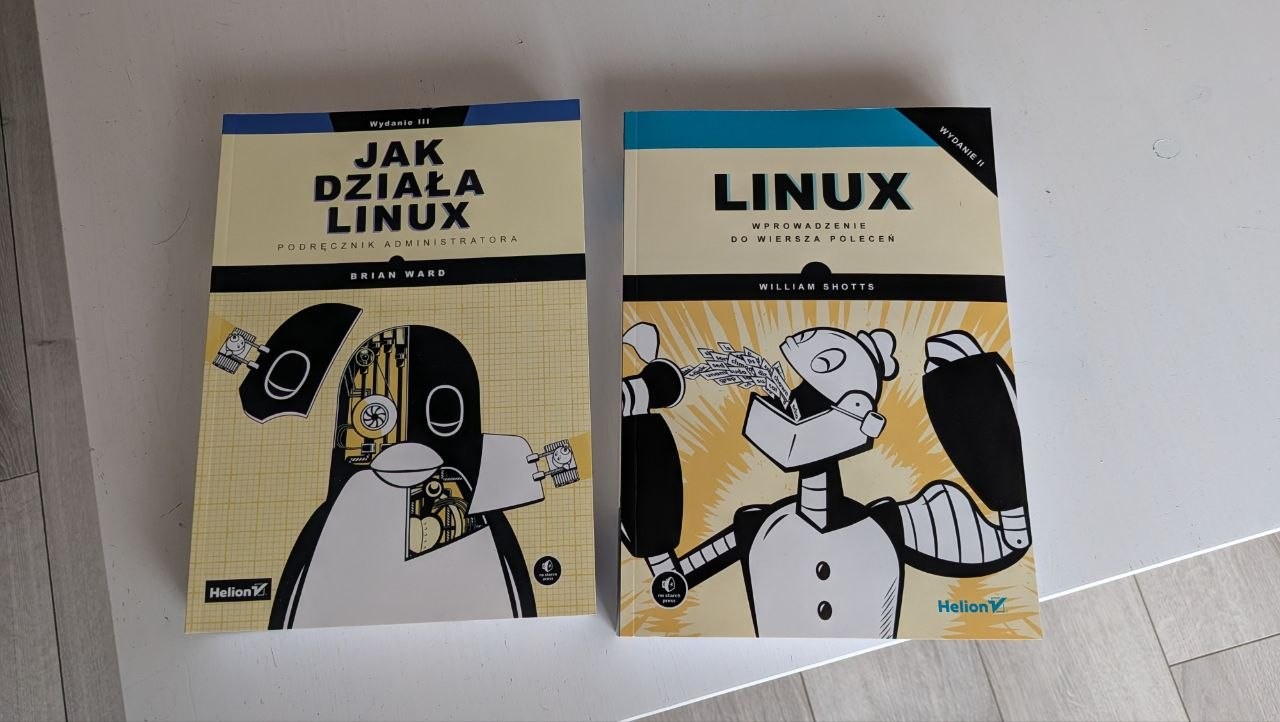
I switched to Debian a few days ago :D I am thinking of posting in this sub again but wanted to give it a few more days. But yes, still using Linux daily.